Step 1:
If you have already registered YUCASA app properly then you can ignore this process. Otherwise you can understand the registration process from here.
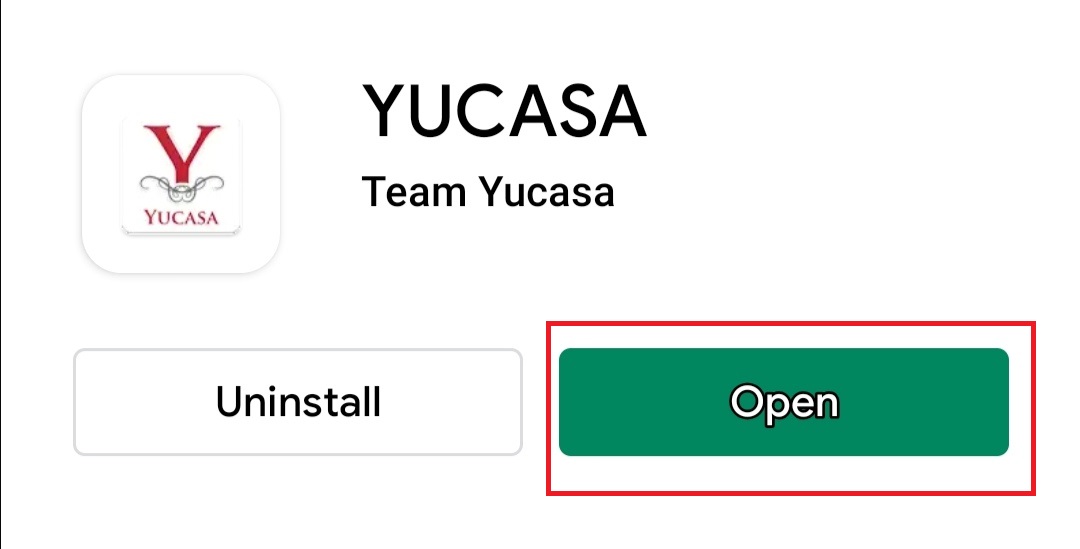
Download YUCASA from Play store then open it.
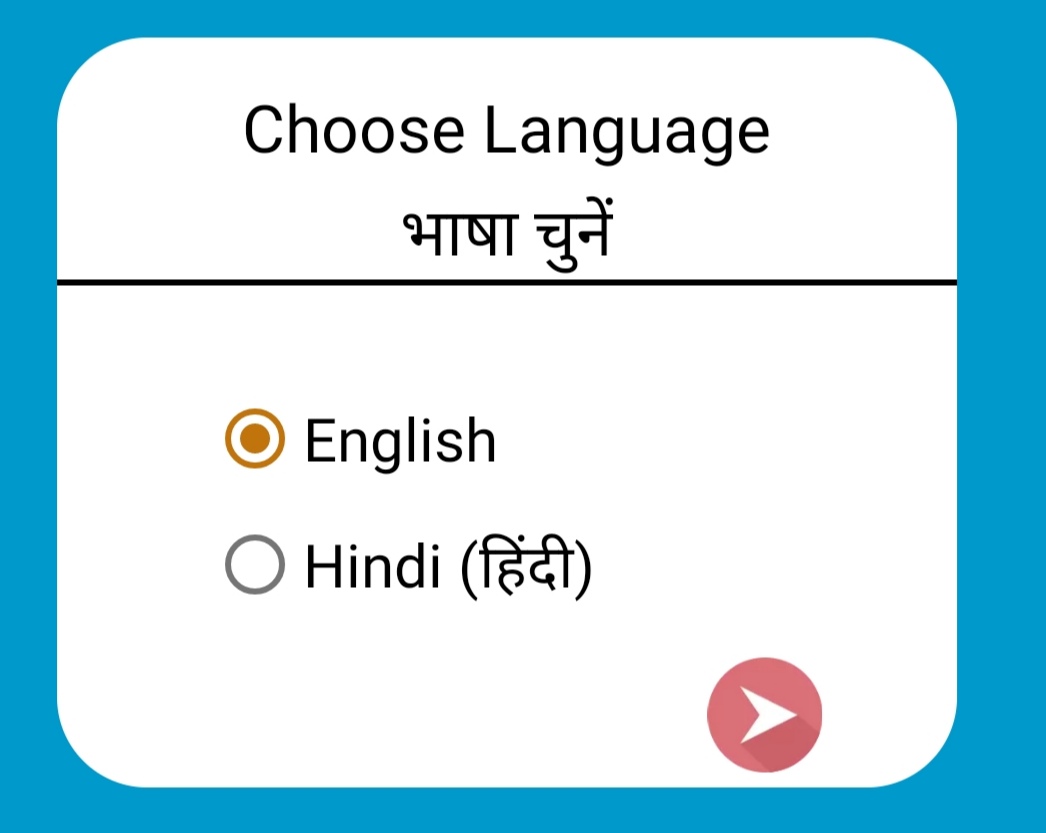
Step 2: After this choose your Favourite Language.
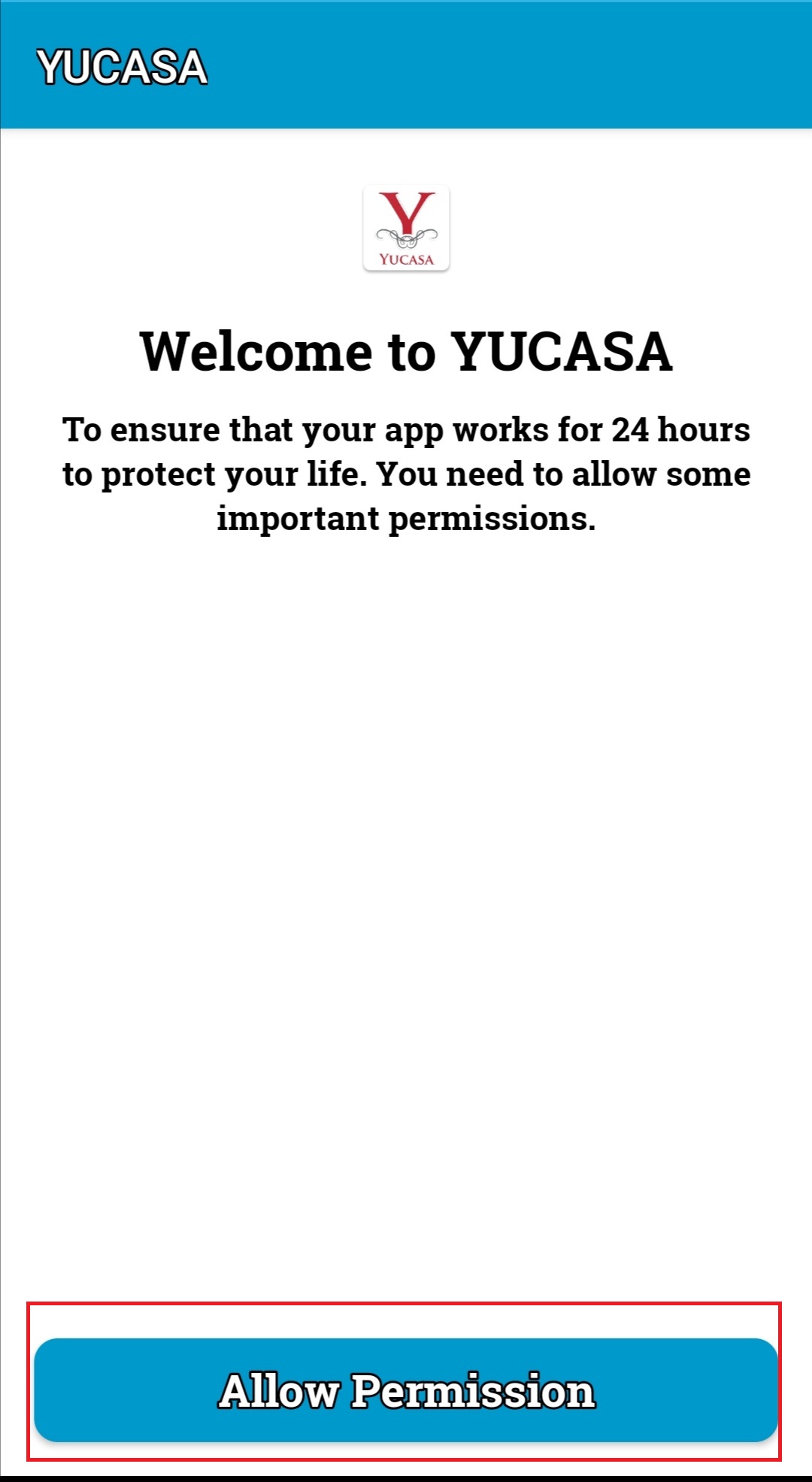
Step 3: After this click on Allow Permission.
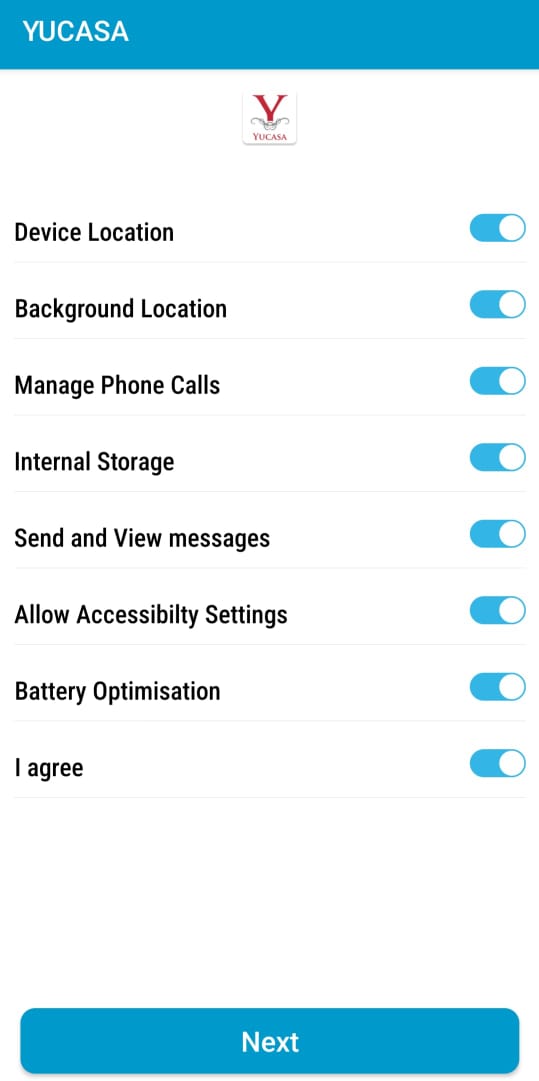
Step 4: After this you have to switch on the toggle of the permissions and allow all the permissions being asked for. On this permission page there are 1 permissions which are a bit different. When you click on the Allow Accessibility Settings then you need to read the information given and after that you need to switch on the toggle of YUCASA on the Accessibility page. After this you have to click again on the back button for 2 or 3 times and again reach the permission page and allow remaining permission. After this you have to click on the Next.
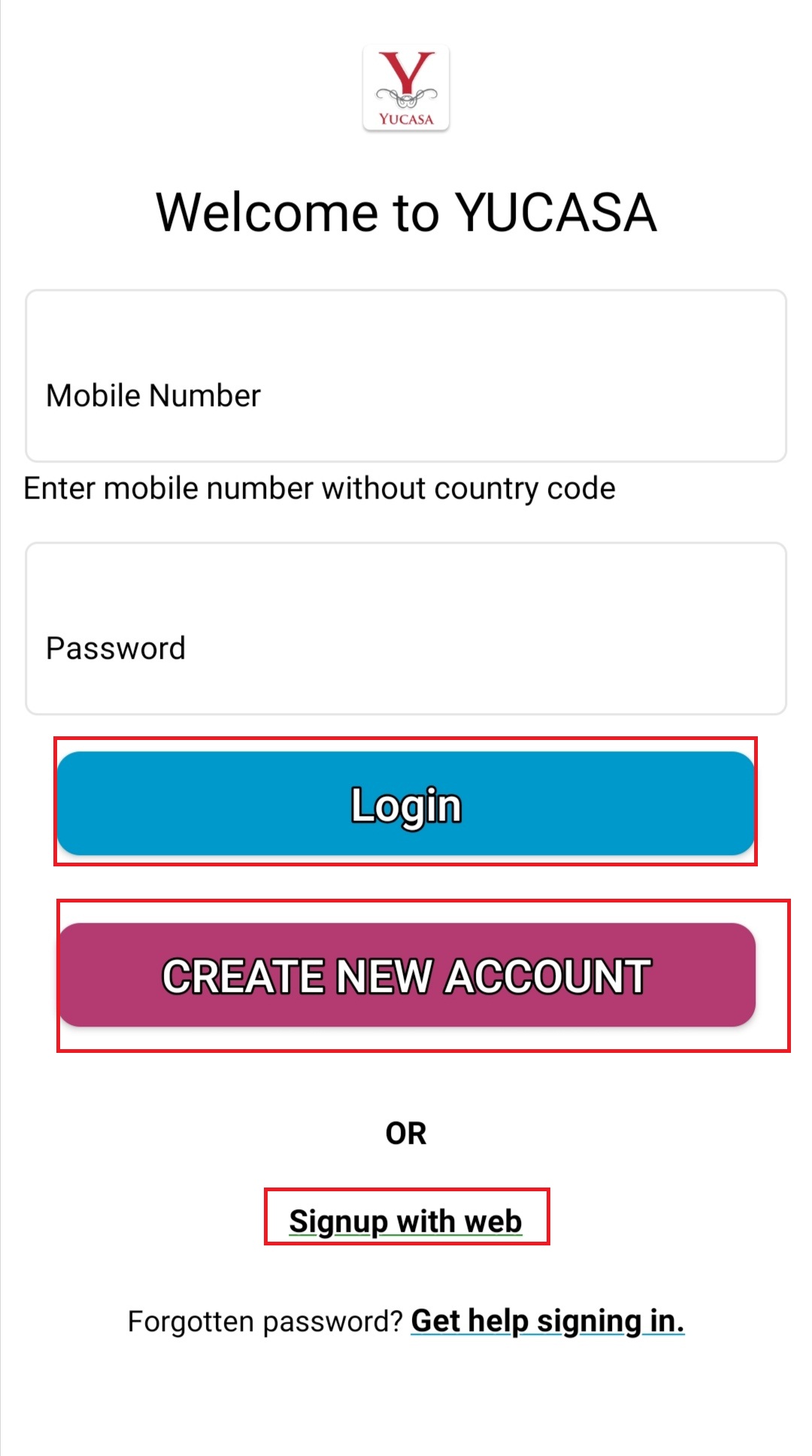
Step 5: After this you reach the login page of YUCASA. Here you can click on CREATE NEW ACCOUNT and create new account for yourself. If in case the registration page of your mobile is not moving further then you can click on Signup with Web and complete your registration. After that you can directly login in YUCASA.
Step 6:
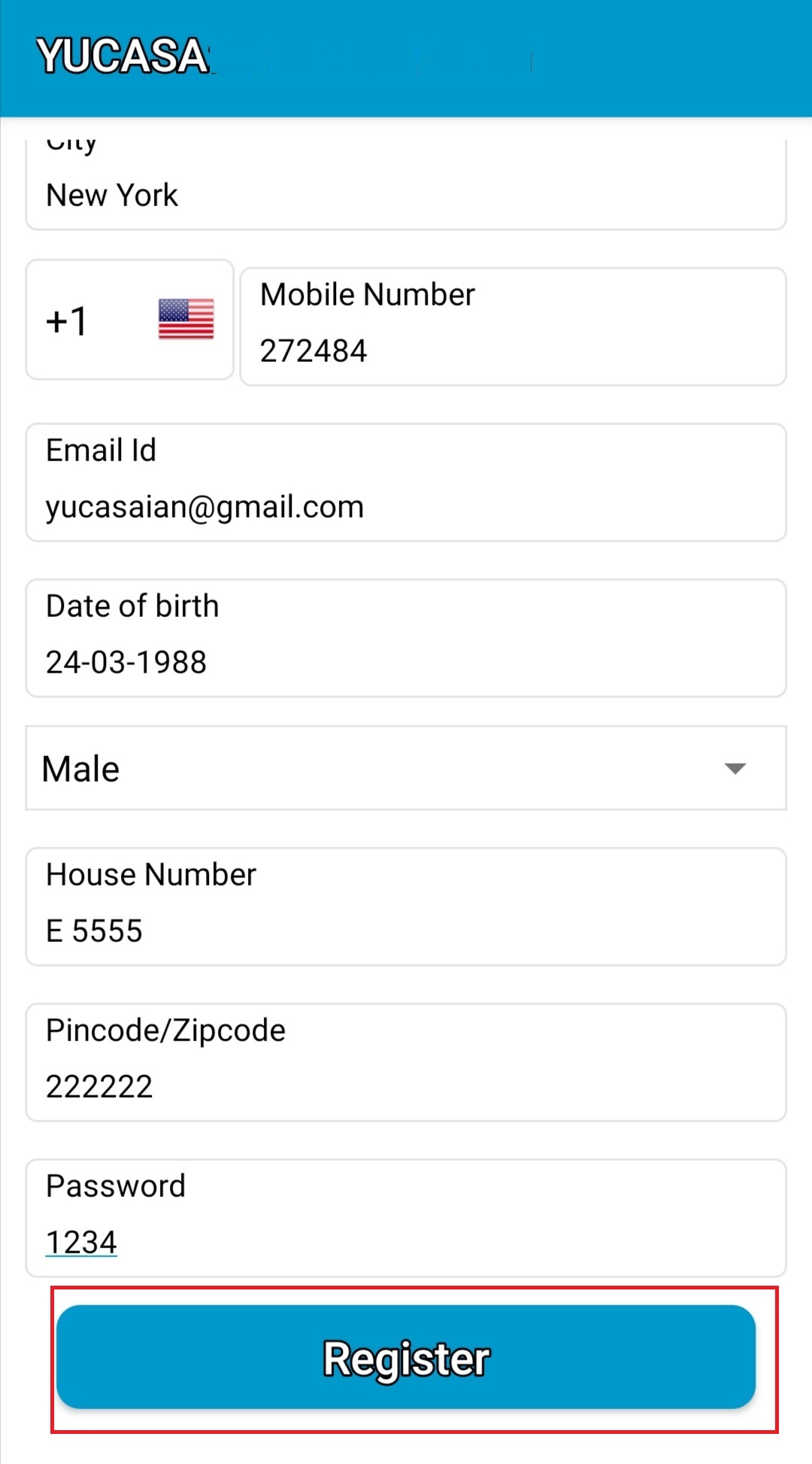
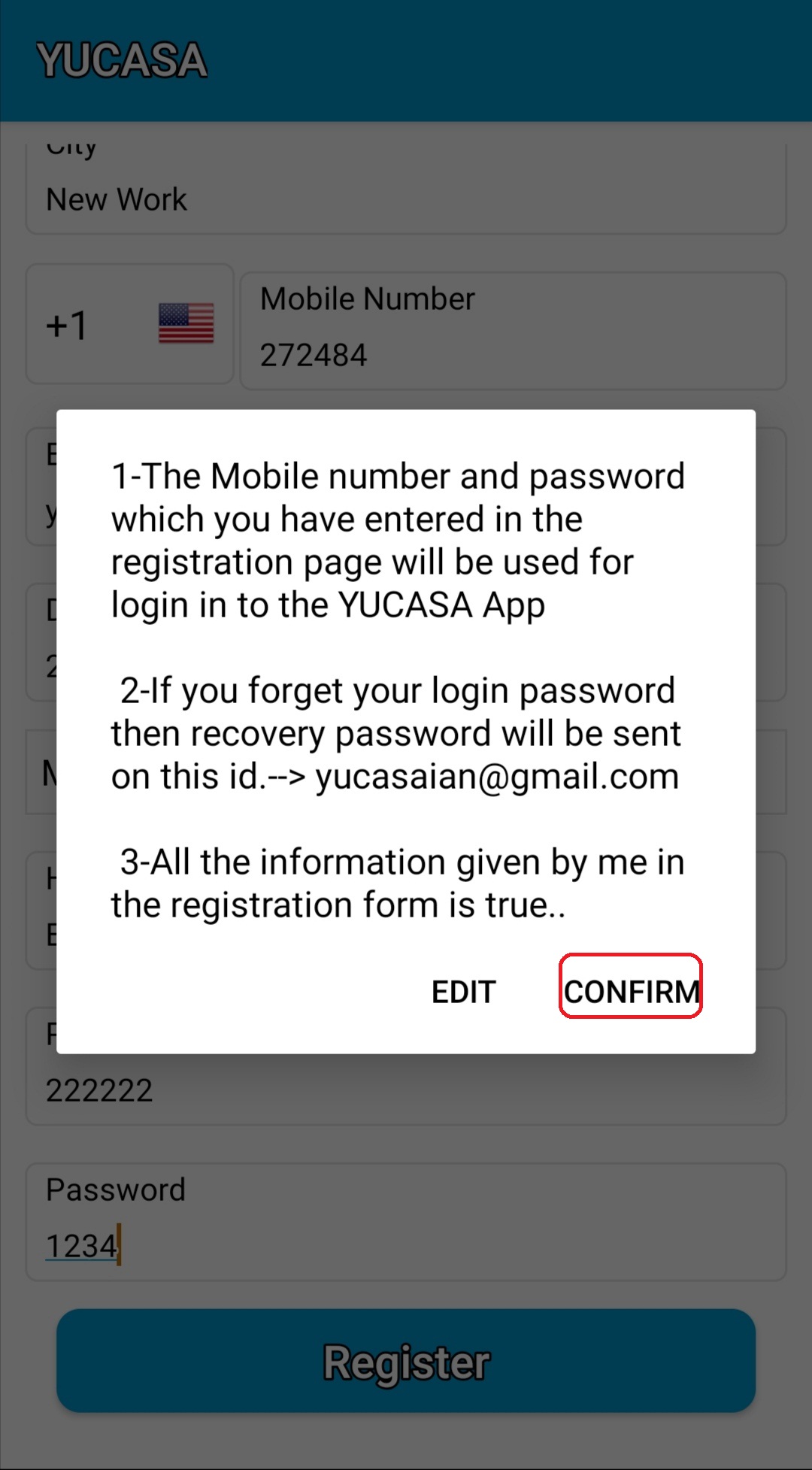
After filling the registration form you have to click on register. If the information filled by you is not correct then click on Edit but if you have filled the correct information then click on Confirm.
As YUCASA asks any pemission you need to allow it in the best saftey interest of yours and your loved ones.